Plumbing scheduling software for the 2 a.m. leak and the Tuesday water heater.
Customers book emergency repairs and planned installs from your website, onto open slots in ServiceTitan or Housecall Pro. Keep your FSM: Peach is the plumbing booking software that sits in front of it, asks the right questions, and hands dispatch a job that already carries its campaign.
Book a plumbing job
Shortened demo. The live form also takes contact details, checks the ZIP against your service area, and asks your own questions.
Home service operators already running on Peach







Built for how plumbing calls come in
Emergency or scheduled, up front
The first answers separate an active leak or sewer backup from a dripping faucet, and the emergency flag is written onto the job so dispatch sees it without opening the notes.
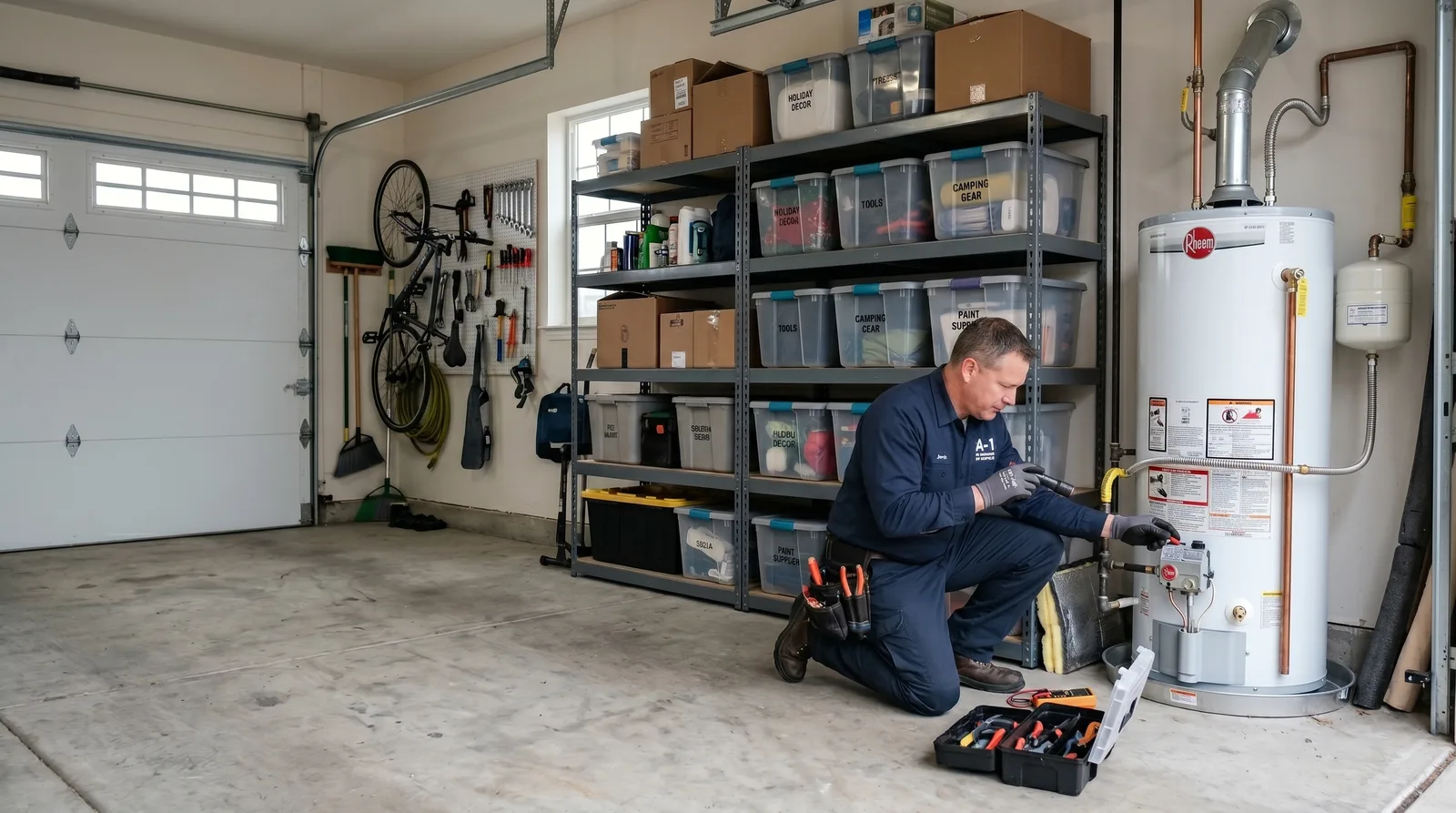
Water heater intake
Tank or tankless, gas or electric, rough age, and location. Ask those as your own questions and the answers ride along in the job summary, so the crew knows whether it's a like-for-like swap.
Drain and sewer paths
One slow sink and every drain backing up at once are different jobs. The form asks which it is, so a main line call never gets booked as a single-fixture clog.
Late-night self-booking
The running toilet someone notices at 11 p.m. books your first open morning slot instead of becoming a voicemail your CSRs return at 8.
The campaign on the job
Click IDs, UTMs, and the landing page stay in Peach. The ServiceTitan job is created on the matching campaign, and the invoice total goes back to Google Ads.
Your service area, checked
Every ZIP is checked against your service area before a time is offered, so no plumber is sent 40 minutes past your line for a drain call.
How it works for plumbing shops
Drain clog, water heater, or leak: that's question one
Customers know water is where it shouldn't be. They don't know whether it's a supply line, a wax ring, or the tank itself, and the form doesn't make them guess. They tap what they can see, pick one of your open times, and Peach re-checks that slot before it creates the job in ServiceTitan or Housecall Pro as the right type. If your office runs Jobber, the request comes through to you to schedule instead, because Peach can't read a Jobber calendar.


The campaign rides along with the job
A paid click, a booking, a job on your board, an invoice: the line stays joined up. Peach keeps the click ID, the UTMs, and the landing page on its side, and creates the ServiceTitan job on the matching campaign, so nobody is pasting tracking codes into job notes. When that job is invoiced, the real total goes back to Google Ads, so a drain call and a repipe never count for the same amount.
- Google Ads click“ac repair near me” · AC Repair, Dallas
- Booked onlineAC Repair · Tue 8–10 AM
- On your ServiceTitan boardBooked under your AC Repair campaign
- Invoiced at $425Real total sent back to Google Ads
The booking that stalled still reaches you
A homeowner finds water pooling around the tank in the garage, starts booking, and stops at the address. Your office gets an alert with the name and number they already typed, so a CSR can call while they're still deciding. Turn on the recovery text and Peach sends one too, only to customers who agreed to texts and never in quiet hours, and anything they reply goes to your office inbox. Copeland Home Services recovered more than $25,000 from unfinished bookings in their first 90 days.

Real numbers from shops on Peach
Figures provided by the operators.
More Peach for plumbing shops
Pick the plan that fits your shop
Every plan comes with a 14-day free trial, and annual billing gives you 2 months free.
For turning website visitors into booked jobs.
- The AI booking form for your site
- Books onto ServiceTitan or Housecall Pro
- Source and UTM kept on every booking
- Booked-job analytics
- Alerts for unfinished bookings
- $50 a month in usage credits
For shops spending on ads that want a lower cost per booked job.
- Everything in AI Booking Engine
- Booked jobs sent back to Google Ads
- Meta lead events for bookings from Meta ads
- Text recovery for unfinished bookings
- Cost per booked job by campaign
- $150 a month in usage credits
For shops that want every call and quote working too.
- Everything in Growth Engine
- AI voice agent that answers and books calls
- Smart quoting and Second Opinion
- Call tracking numbers
- Capacity planning
- $300 a month in usage credits
From operators running Peach
“Peach showed us the number we didn't know we were missing. Our agency was optimizing for leads. Peach showed us we were leaving booked jobs on the table every single week.”
“I never thought we would get going this fast, it is incredible.”
“Our missed-call recovery alone paid for Peach in the first month. The CSR alerts and automated texts pulled jobs back that would have just disappeared.”
Plumbing online booking & scheduling questions
Plumbing scheduling software puts drain calls, leak repairs, and installs on your plumbers' calendars. Your FSM, whether that's ServiceTitan, Jobber, or Housecall Pro, already handles that internally. Peach handles the customer side: homeowners pick one of your open slots on your site, answer a few plumbing questions, and the job is created in ServiceTitan or Housecall Pro with its job type and campaign on it.

See where your plumbing bookings leak.
Bring your job types and a week of missed calls. We'll show how emergencies and planned installs would book in front of ServiceTitan or Housecall Pro, and which requests are stalling before anyone in your office sees them.
14-day free trial on every plan